Inventory Aging Report: What it is and Why it Matters

Introduction
How long your inventory, stock, or an item has been sitting in storage directly affects your enterprise’s bottom line.
An inventory aging report is a tool that shows how long your inventory, stock or an item has been sitting in storage.
This matters because idle assets incur carrying costs—such as storage, insurance, and maintenance—that drain cash flow without providing a return. As the asset sits unused, it also risks becoming obsolete or out-of-spec, reducing its potential resale value or repurposing opportunities.
In this article, you’ll learn what an inventory aging report is, how to interpret the data, and why it matters for your business.
What Is an Inventory Aging Report?
An inventory aging report is a key tool in inventory management. It helps you see how long products have been sitting in stock and where risks may be building. By grouping items into age categories, you can quickly spot slow-moving or inactive inventory before it hurts cash flow.
How Inventory Aging Reports Are Structured
Most inventory aging reports are generated through ERP (Enterprise Resource Planning) or WMS (Warehouse Management Systems) platforms. These systems help businesses track inventory levels, movements, and status across various locations, providing valuable insights into stock performance.
These reports typically allow filters by:
- SKU (Stock Keeping Unit):
Tracks inventory by unique product identifier, making it easier to assess individual items' status across various time brackets.
- Quantity or value:
Helps you understand not just how much inventory you have, but its overall worth—especially important when deciding whether to redistribute or liquidate excess stock.
- Storage location:
Identifies where stock is held across multiple warehouses or storage facilities, enabling businesses to take targeted action based on geographical demand and supply patterns.
Here’s an example of how this format might look:
How Inventory Aging Reports Help Track Aging Stock
It groups stock into time brackets to categorize how long items have been in storage. These brackets help businesses identify which products are moving quickly and which are stagnant. The typical breakdown includes:
- 0–30 days: Recently received or fast-moving stock/item.
- 31–60 days: Items that are beginning to slow down but still have demand.
- 61–90 days: Slower-moving stock that may require action to prevent becoming obsolete.
- 90+ days: Idle or excess inventory, which poses a higher risk of obsolescence or waste.
Unlike fast-moving direct inventory, MRO inventory is typically held much longer due to "just-in-case" stocking habits. It’s common for a large share of parts to remain unused for years, with many facilities carrying 50% or more inactive inventory at any given time. The pattern of plants continuing to hold unused MRO inventory reflects the tension between inventory efficiency and keeping critical parts available “just-in-case.”
Note: Not all idle inventory should be labeled as waste. Rare or safety-critical components may remain unused for extended periods, and that’s intentional. Their true value lies in availability and readiness, ensuring operations can continue smoothly and preventing costly downtime during unexpected failures.
How to Interpret an Inventory Aging Report
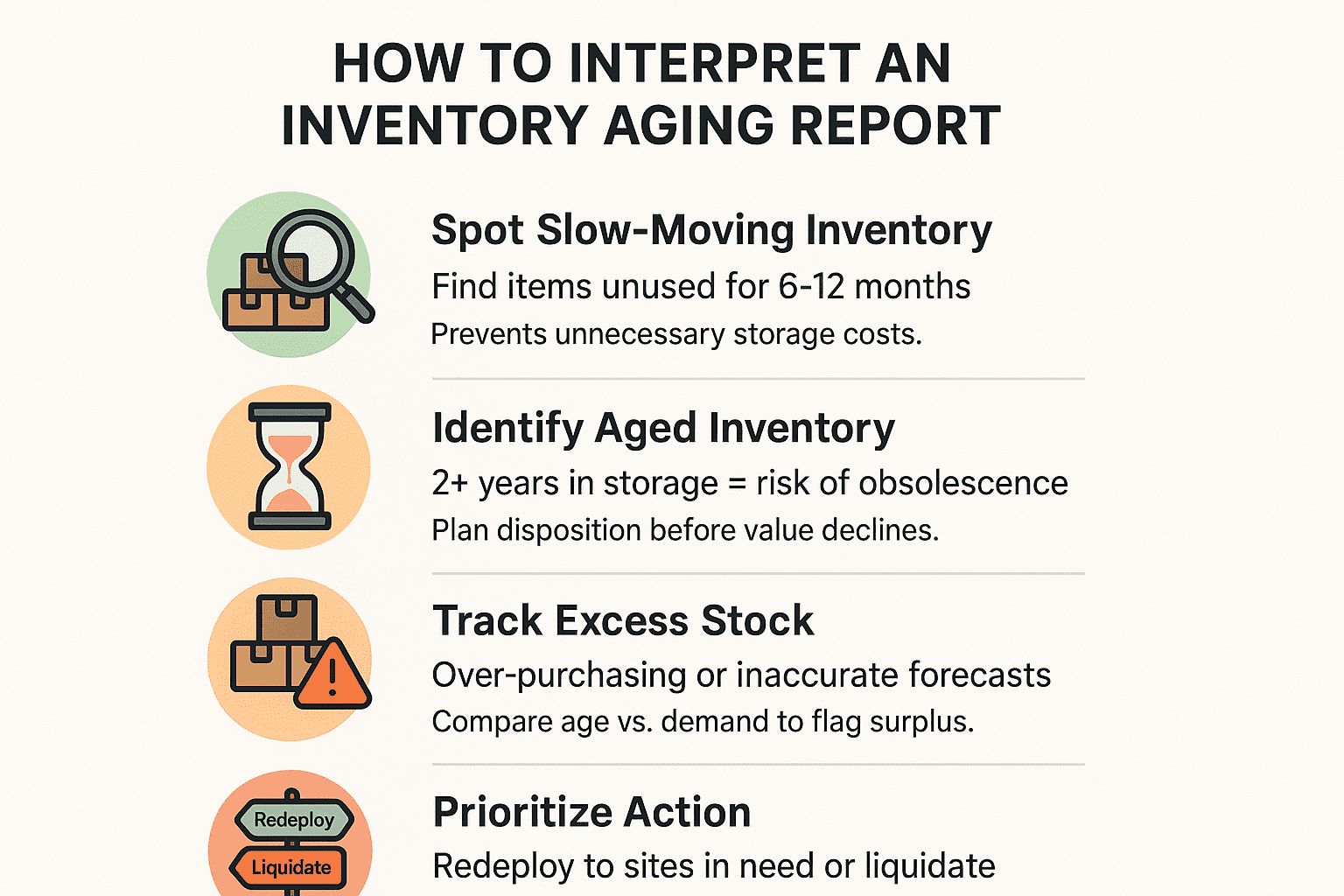
Understanding how to interpret this data is key to making strategic decisions that optimize cash flow, improve warehouse efficiency, and reduce losses. Here is how to interpret an inventory aging report:
1. Spot Slow-Moving Inventory
Inventory aging reports can help identify operational stock that is not being utilized as expected. By reviewing the age brackets, you can quickly spot underused items, preventing unnecessary storage and capital tie-up.
What to look for:
- Items that haven't been used for maintenance, repairs, or production for over 6 months (aggressive), or over 1 year (more conservative).
- Raw materials, spare parts, or machinery that have not been called upon as expected due to significant changes in usage patterns.
2. Identify Aged Inventory
Items that have been sitting in your warehouse for 2+ years (or based on your industry’s specific threshold) are often at risk of becoming aged inventory. Recognizing these products early helps you in creating a disposition strategy and preventing costly write-offs.
Indicators:
- Outdated products, no longer in demand, or that have declining market value.
- Low-turnover items in the 180+ days categories should be prioritized for liquidation.
3. Track Excess Stock
Excess inventory is often a result of over-purchasing or inaccurate forecasting. By comparing aging inventory against forecast demand, you can identify whether you’ve ordered too much of certain items.
What to look for:
- Inventory that was previously in the 0–90 day turnover bracket is now underperforming, moving slower than projected, and lagging behind historical trends. This signals a potential surplus issue that requires proactive review.
4. Prioritize Action Based on Report Data
Once you’ve identified slow-moving, obsolete, or excess inventory, the next step is to prioritize action. Here’s how to segment inventory and decide what steps to take:
- Redeploy: Redeploy unused equipment to departments or sites that can make better use of it.
- Liquidate: Sell off obsolete or slow-moving stock through direct sales, marketplaces or B2B liquidation channels.
Why Inventory Aging Reports Matter
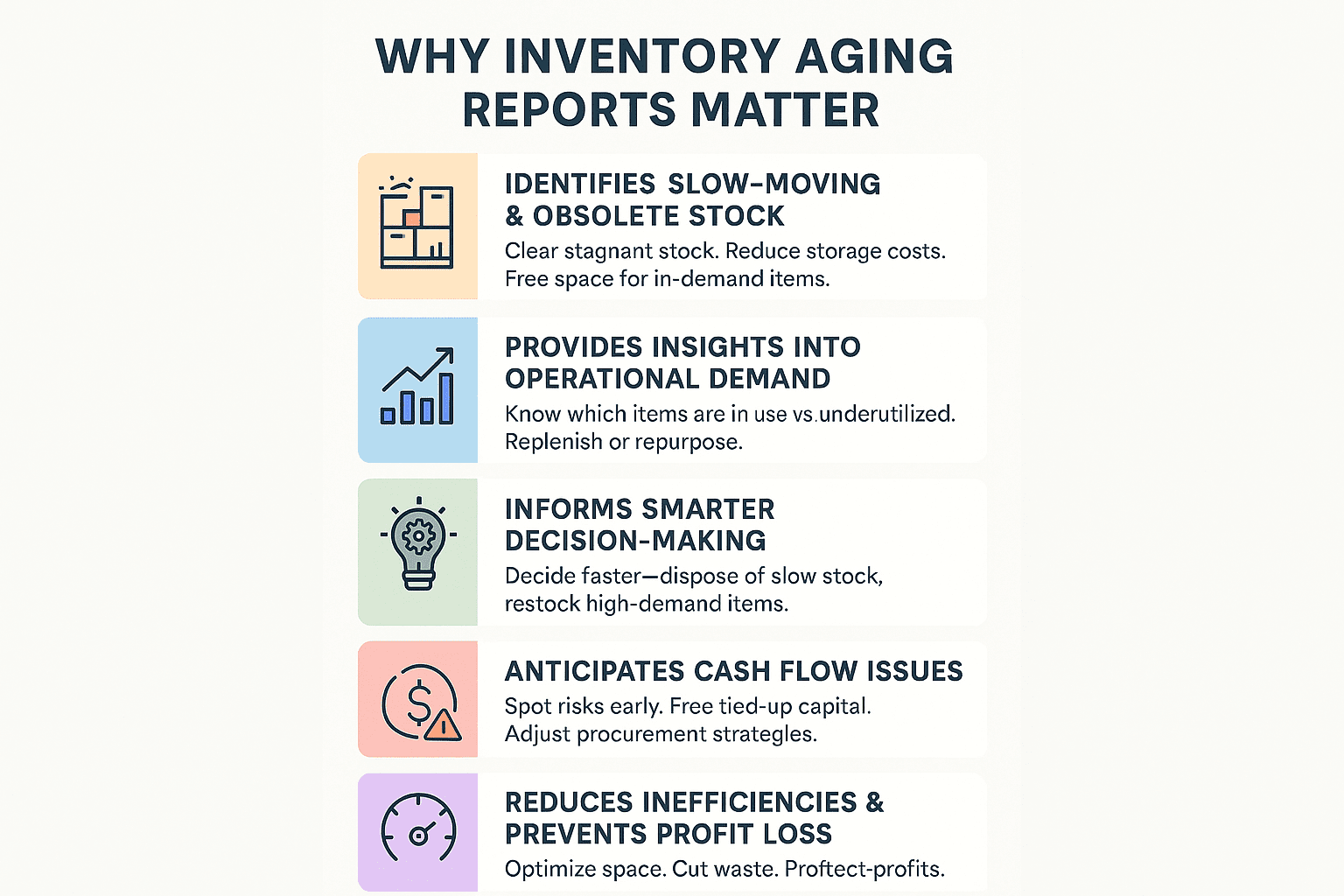
An inventory aging report provides key insights. Here’s why this tool is essential for your operations..
1. Identifies Slow-Moving and Obsolete Stock
An aging report helps pinpoint inventory that hasn’t moved for months. Identifying these items early allows businesses to clear out stagnant stock, reducing unnecessary storage costs and freeing up valuable space for in-demand products.
2. Provides Insights Into Operational Demand
By analyzing the age of inventory, businesses gain a clearer understanding of which operational items—such as spare parts, machinery, or IT equipment—are in active use and which are underutilized. Fast-moving items can be replenished, while slow-moving or idle stock can be reassigned or repurposed to better align with operational needs.
3. Informs Smarter Decision-Making
With aging inventory data, businesses can make informed choices. For example, slow-moving stock can be removed through disposition, while high-demand items can be prioritized for restocking. These decisions prevent over-purchasing, reduce waste, and support profitability.
4. Anticipates Potential Cash Flow Issues
Slow-moving stock ties up capital that could be better used elsewhere. Aging reports alert businesses to potential cash flow risks, enabling them to adjust procurement strategies and eliminate excess inventory before it impacts their finances.
5. Reduces Inefficiencies and Prevents Profit Loss
Analyzing inventory aging helps reduce inefficiencies in stock management. By focusing on high-demand products and eliminating obsolete items, businesses can optimize space, reduce costs, and improve their overall financial performance.
How Amplio Supports Smarter Inventory Decisions
Provides Redeployment Insights
Once your inventory aging report identifies idle or underutilized assets, Amplio enables seamless internal redeployment by connecting surplus data across facilities – even if they’re on different ERP systems. Our AI-powered platform highlights where surplus exists across plants, lines, and warehouses, helping decision-makers match available assets with emerging demand—reducing unnecessary purchases, minimizing downtime, and unlocking hidden value across your operations.
Direct Access to Qualified Buyers for Liquidation
When internal redeployment isn't viable, Amplio’s excess marketplace platform gives you access to a curated network of qualified industrial buyers. Our curated marketplace, filled with specialized buyers, accelerates liquidation transactions, helping you recover value quickly and reduce waste. We handle everything from listing to sale, so you can turn surplus inventory into cash flow.
Contact us today to gain visibility into your aging inventory and turn hidden stock into cash flow using our redistribution, redeployment, and liquidation solutions.